Four Virtual Turntables
Independent decks with waveforms, pitch, cues, and full performance control.
Four Decks. Endless Creativity.
Mix, remix, and apply professional effects — the full Swagg Brown Online Studio runs right in your browser.
The Platform
Swagg Brown gives DJs, creators, performers, and music lovers a powerful four-deck mixing environment with professional effects, looping, cue points, and recording tools — all in your browser.
Independent decks with waveforms, pitch, cues, and full performance control.
Delay, echo, reverb, auto-filter, flanger, phaser, chorus, and more — built for live transitions.
Detect tempo, set hot cues, and lock loops for tight transitions on every deck.
Isolate vocals, drums, bass, and instruments on any deck — with key and BPM analysis (Pro).
Browser Access
Open Swagg Brown in a supported browser and start mixing without installing software. Load tracks from your device, work across four decks, and keep your preferences saved to your account.
Create your free account and get 60 minutes of full-access studio time. The clock only runs while you're mixing, so spread it across as many visits as you like. No payment is required to begin; a paid plan is required for unlimited access. Best on a desktop or laptop with headphones.
Performance Core
Run four independent tracks in one session — sync, cue, loop, and shape each deck while you perform.
Sound Design
Shape transitions, build tension, create drops, and design your own signature sound.
Live Now AI Stem Control
AI stem separation is included with Pro (150 minutes/month) and Ultimate (500 minutes/month) plans. Tracks you've processed load instantly and never use minutes again.
Pull any track apart into playable layers and rebuild the mix your way, live on the decks — from clean acapellas to drum-only drops.
How It Works
Import tracks from your computer or music library.
Use four decks, cues, loops, filters, and effects.
Mix live, record a session, or prepare a professional DJ set.
Plans & Pricing
Three plans, no contracts, cancel anytime. Start free, then choose Basic for everyday two-deck mixing, Pro for the full four-deck console with AI stems, or Ultimate for the highest stem-processing allowance.
$4.99/month
Core Online DJ tools for everyday two-deck mixing. Your music stays on your device.
Most Popular
$14.99/month
The full four-deck console with advanced performance, recording, sampler and customization tools.
$29.99/month
Everything in Pro, plus a 500-minute AI stem-processing allowance for DJs who process significantly more music.
100 Extra Stem Minutes — $6.99 one-time. Extra minutes carry over until used, never expire at renewal, and are used after your included minutes.
Prices in USD, billed monthly. Cancel anytime from your account. Your music library stays on your device — audio is only uploaded if you choose AI stem processing (Pro and Ultimate), and only with your authorization.
Product Look
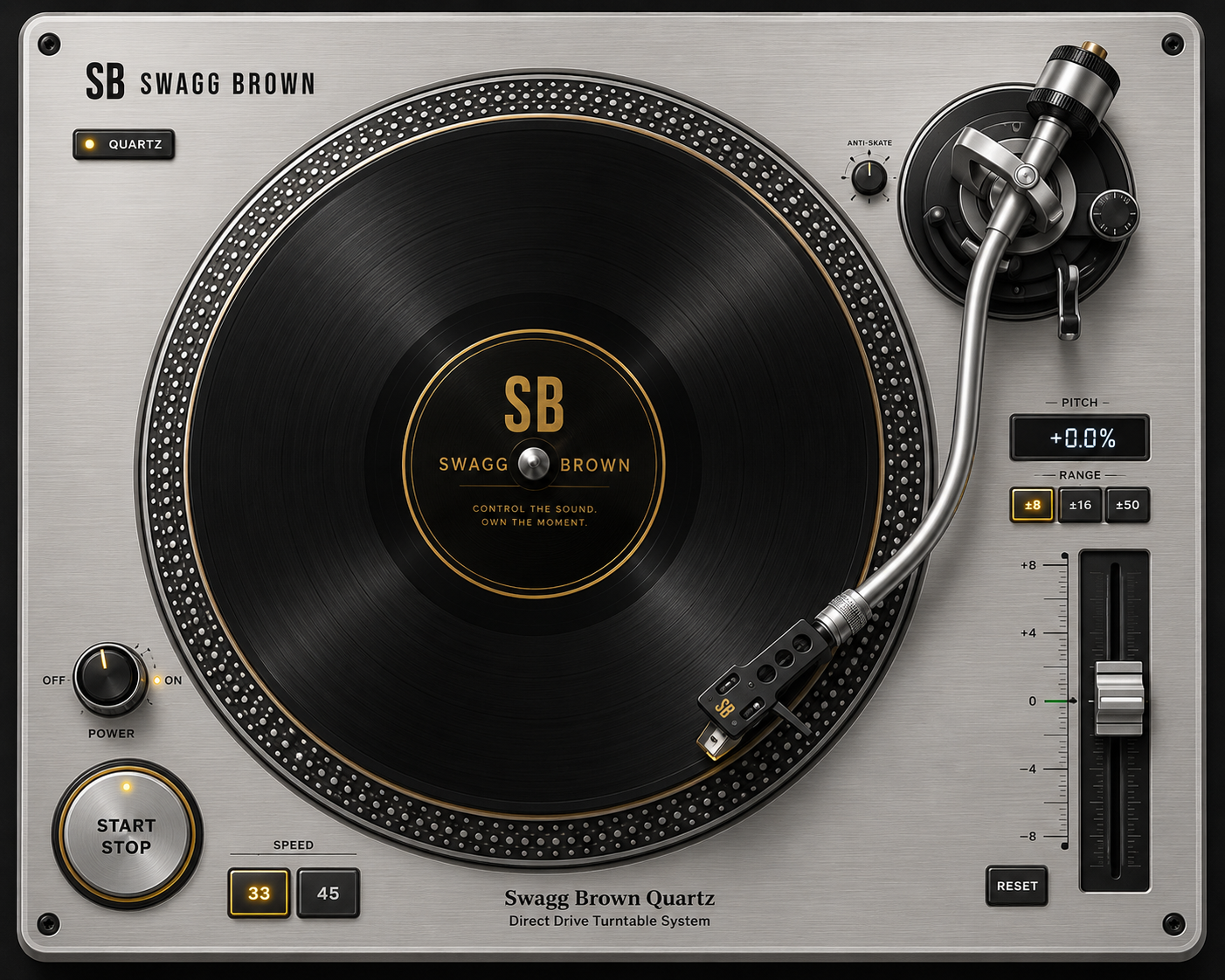
Mix. Scratch. Create. Swagg Brown DJ puts professional online DJ tools directly in your browser. Mix tracks, scratch with virtual turntables, use cues, loops and effects, and unlock advanced features including AI stem separation on eligible plans. Plans start at $4.99/month.
Support
Swagg Brown is a premium four-deck Online DJ Studio that runs entirely in your browser — no installation required.
No. The Online Studio runs in a supported browser with no installation required. For the best experience, use a computer with headphones or an external audio interface.
Swagg Brown Online Studio works in supported modern browsers on Windows, macOS, and Linux computers, with mobile and tablet layouts included.
AI Stems isolate vocals, drums, bass, and instruments on any deck, with automatic key and BPM analysis. They're included on Pro (150 stem minutes per billing cycle) and Ultimate (500 stem minutes per billing cycle). New tracks use stem-processing minutes from your plan; tracks you've already processed load instantly and use no minutes — even on a different device.
Email us anytime at [email protected] for questions, technical support, billing, and account help. We're happy to assist.
Enter your username and password to continue.
Your account was created and a verification email is on its way to your email address
We've sent a verification link to your email address.
You must verify your email account within 15 minutes to use our platform. Unverified accounts will not be created.
⚠ Don't see it in a minute or two? Check your Spam, Junk, or Promotions folder — verification emails often land there.
If you still don't see it after a few minutes, use Resend Verification Email below.